Product
One platform for every line on your event budget.
Tickets, sponsorships, silent auction, live auction, raffle, Fund A Need, donations, the cashier station, receipts. Every module below is live and ready for the fall season.
Tickets
Sell tickets, capture attendees, seat the room.
Define your ticket types — General Admission, Patron Couple, Table of Eight — with their
prices, included seats, and sales windows. The public page at your-event.app.auctioncake.com/tickets
shows whatever's open right now. Buyers fill out a form, pick a quantity, and get a hosted
invoice from your Stripe or Square account. No bidder account. No password.
After the buyer pays, every seat on the order becomes an attendee placeholder. The receipt email links to a private form where the buyer fills in each attendee's name, email, dietary notes, and a seating preference if they have one. They can come back to that form anytime in the next 60 days — guest lists never quite settle until event week.
From the admin side, you build your venue layout once — table numbers, capacities, whatever names you call them (Head, Sponsor A, 12). Then you drag attendees onto tables on the seating board. Families stay together. Capacity is enforced. Sponsor reservations are marked. If you reseat someone on the night of, the old assignment clears in one drop.
Public
Buy
Quantity stepper, contact info, hosted invoice via Stripe or Square. Sales windows and inventory caps enforced before the redirect.
Buyer
Capture
Signed-URL form from the receipt, one row per seat. Editable for 60 days. Idempotent on re-visit.
Admin
Seat
Drag-and-drop seating board. Capacity check, sponsor reservations shown, table preferences flagged on the card.
At the event: the printed seating chart matches the seating board exactly because they share the same data. The day-of edits you make at registration show up on the chart on refresh.
Sponsorships
Sell tiered sponsorships and put logos on the wall.
Build your sponsorship menu — Presenting, Gold, Silver, Bronze, Supporter — and price each tier. Each level can include tickets and reserved tables automatically. A Gold package that comes with "two tables and eight tickets" doesn't require a separate transaction; the sponsor pays once and the rest materializes.
Sponsors visit your-event.app.auctioncake.com/sponsors/become,
pick a level, upload their logo, and get an invoice. When the invoice is paid, the
sponsorship lands in your approvals queue. You vet the logo and the company name — a
check that exists because a "@gmail.com" address typed in by a stranger can claim a
sponsorship slot on the public wall.
Once approved, the sponsor appears on the public wall at /sponsors.
Presenting sits at the top, full-width. Gold, Silver, Bronze step down in size. Supporters
get a compact bottom band. Logos link out to the sponsor's site. If a sponsor's level
included tickets and tables, those are already in your seating board with the sponsor's
name on them.
Public
Buy
Logo upload (JPEG, PNG, WebP up to 10 MB), display name, website, tagline, contact info. Hosted invoice, 14-day terms.
Admin
Approve
Three-column queue: pending, awaiting payment, approved. Click-through to the submitted URL before you approve. Unapprove if something slips through.
System
Grant
Included tickets and table reservations materialize on payment success. Idempotent on webhook re-delivery. Race-safe across concurrent grants.
At the event: sponsors show up to their reserved tables with their pre-bought tickets in the company contact's email. Their logo is on the projection. You didn't have to chase anything down the week of.
Also in AuctionCake
Plus the rest of your event-night surface.
The platform doesn't stop at tickets and sponsors. Detail pages for each module land before the fall season; the modules themselves are already live.
-
Silent auction
Items with images, public bidding by phone with no account, max-bid auto-bidding, outbid notifications by email and SMS, admin bid management, and a close-auction flow that picks winners and queues receipts.
-
Live auction
Paddle assignments, winner entry from the cashier station, and a live status board projected on the screen.
-
Cashier station
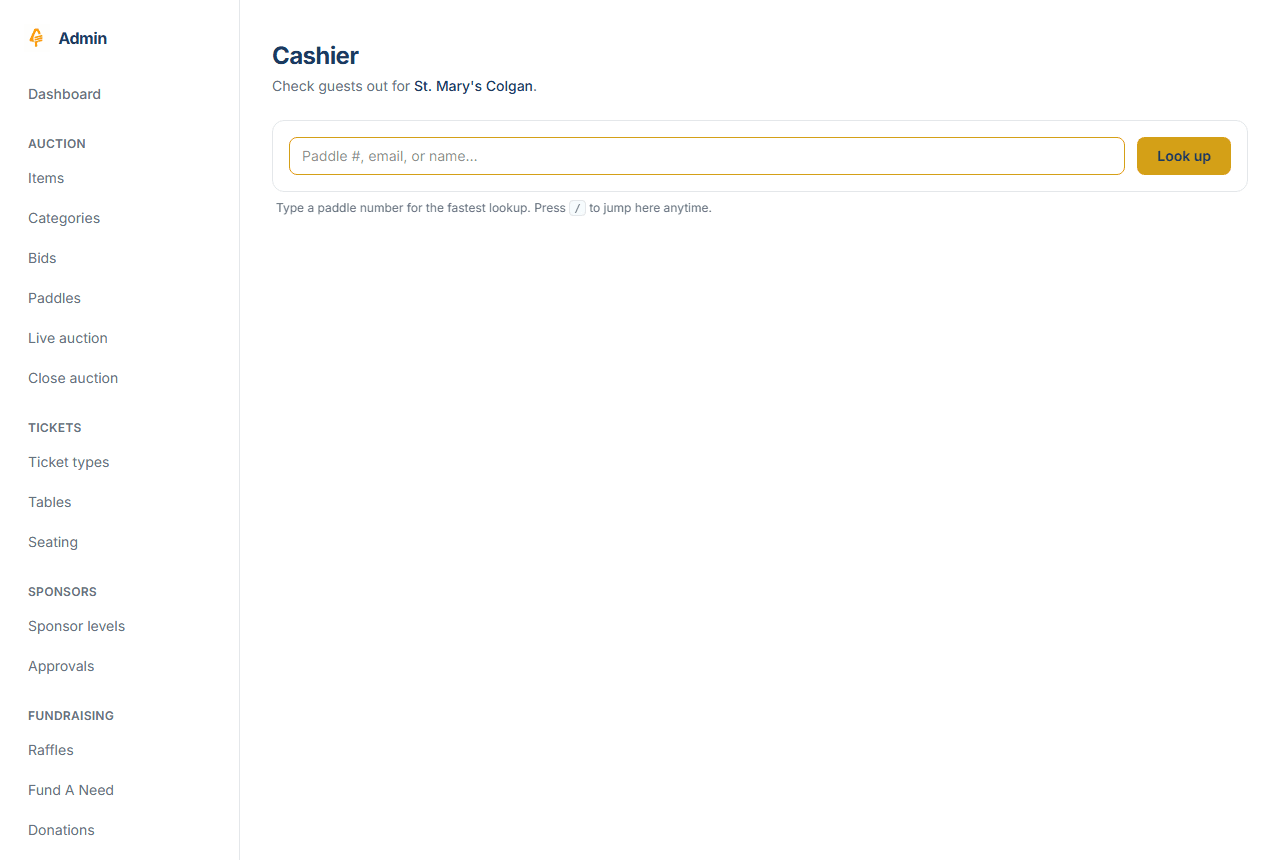
Look up a guest by paddle or name, see every line they owe across modules, charge them once. Card via terminal or hosted page. Cash, check, or bill-me-later invoice. One receipt, one payment, one row in the books.
-
Receipts and refunds
Branded email receipts with a PDF attached. Full or partial refunds back to the original payment with a click. The receipt URL stays signed and private; nobody else can read it.
-
Raffle
Tiered raffle ticket sales with sequentially-numbered, double-issuance-proof tickets and a drawing tool that picks and records winners.
-
Fund A Need
Paddle-raise entry from the cashier, online pledges with preset and custom amounts, cash and check pledges, and a live thermometer on the status board.
-
Donations
A standalone donate page open to any amount, cashier-recorded cash and in-kind gifts, and receipts that split out the fair-market value and the deductible portion.
Ready to run yours on AuctionCake?
Tell us about your event and we'll get back to you the same day.