Docs
Admin console
Where you run the event from — dashboards, cashier, seating, exports.
The admin console is the operator's view. Everything you configure and run lives behind one login.
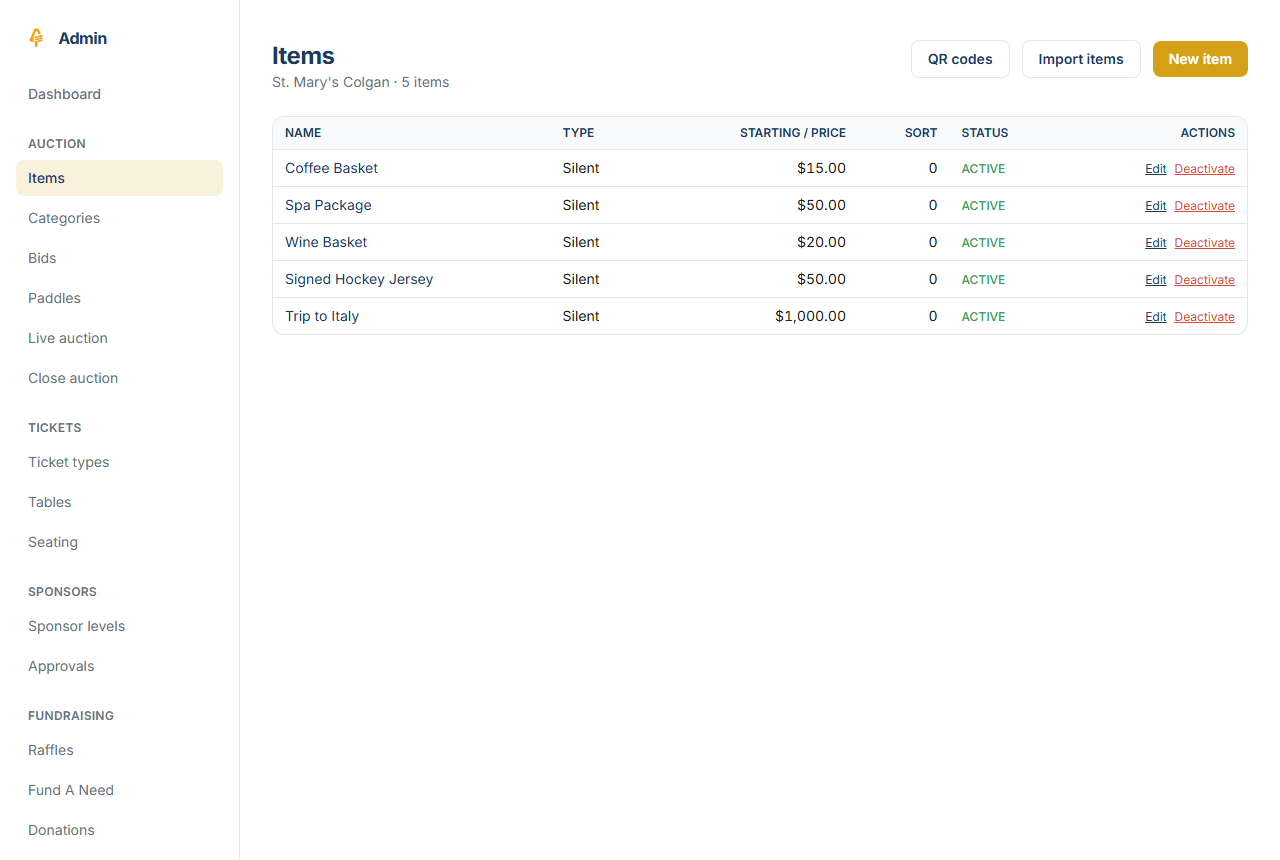
- Dashboard and at-a-glance event status
- Cashier station — guest lookup, cart, charge
- Table seating — drag-and-drop assignment
- Sponsor approvals queue
- Bids, paddles, and the live status board
- Exports and reporting
Detailed walkthroughs are being written.
Last updated Sat Jun 13 2026 00:00:00 GMT+0000 (Coordinated Universal Time) · Edit this page